
Run the floor,
not just the counter.
Floor plan, live table status, waitlist, reservations, and a real kitchen display — all in one system built for how a restaurant actually runs. One-time payment, no monthly fees.
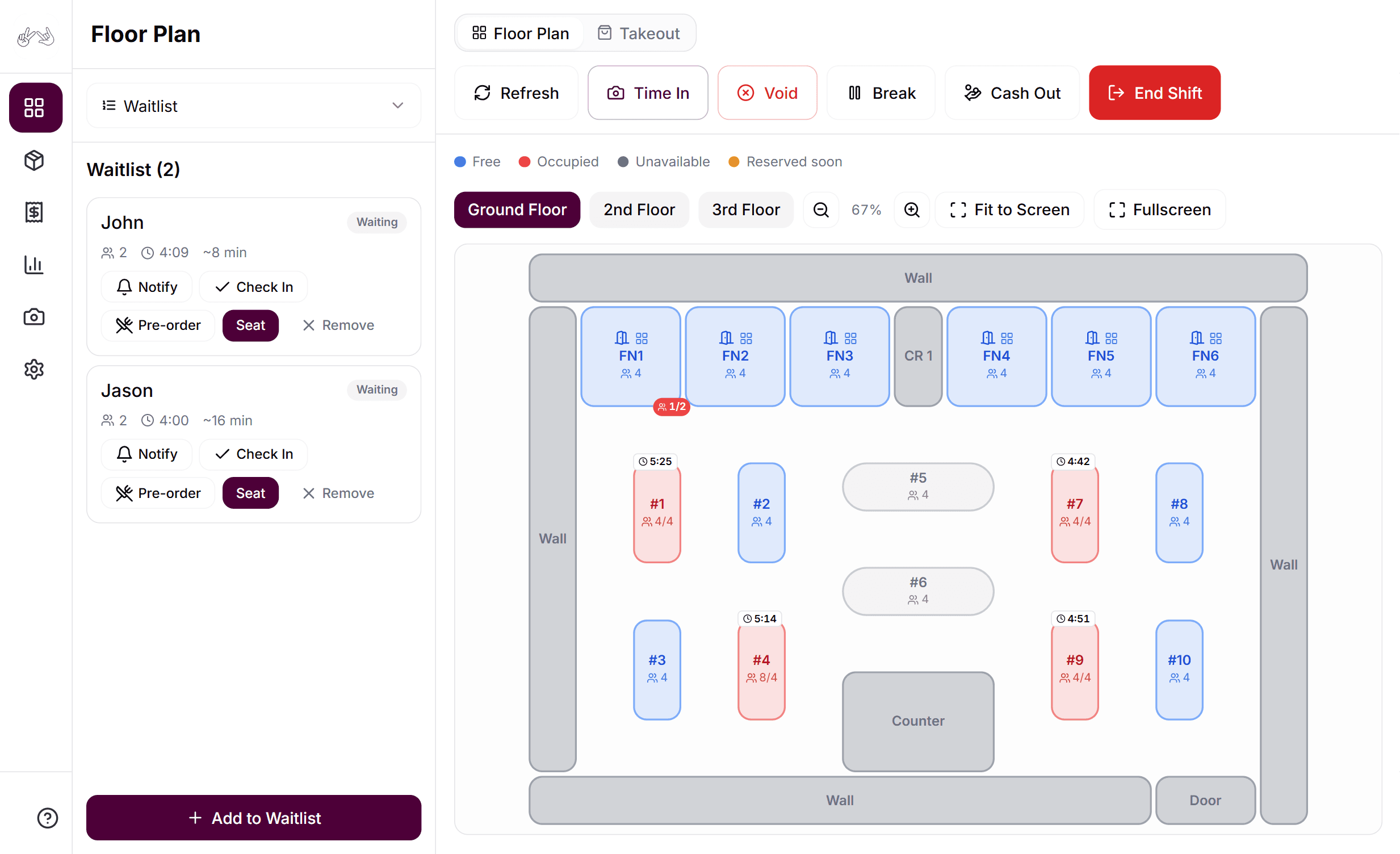
Design Your Floor
Drag, drop, done. Multi-floor and function-room layouts included.
Kitchen Never Misses
New → Preparing → Ready → Served, auto-printed to the kitchen.
Voids Need a Manager
Time-boxed code, every attempt logged with a name.
Works Offline
Keeps taking orders even when the internet drops.
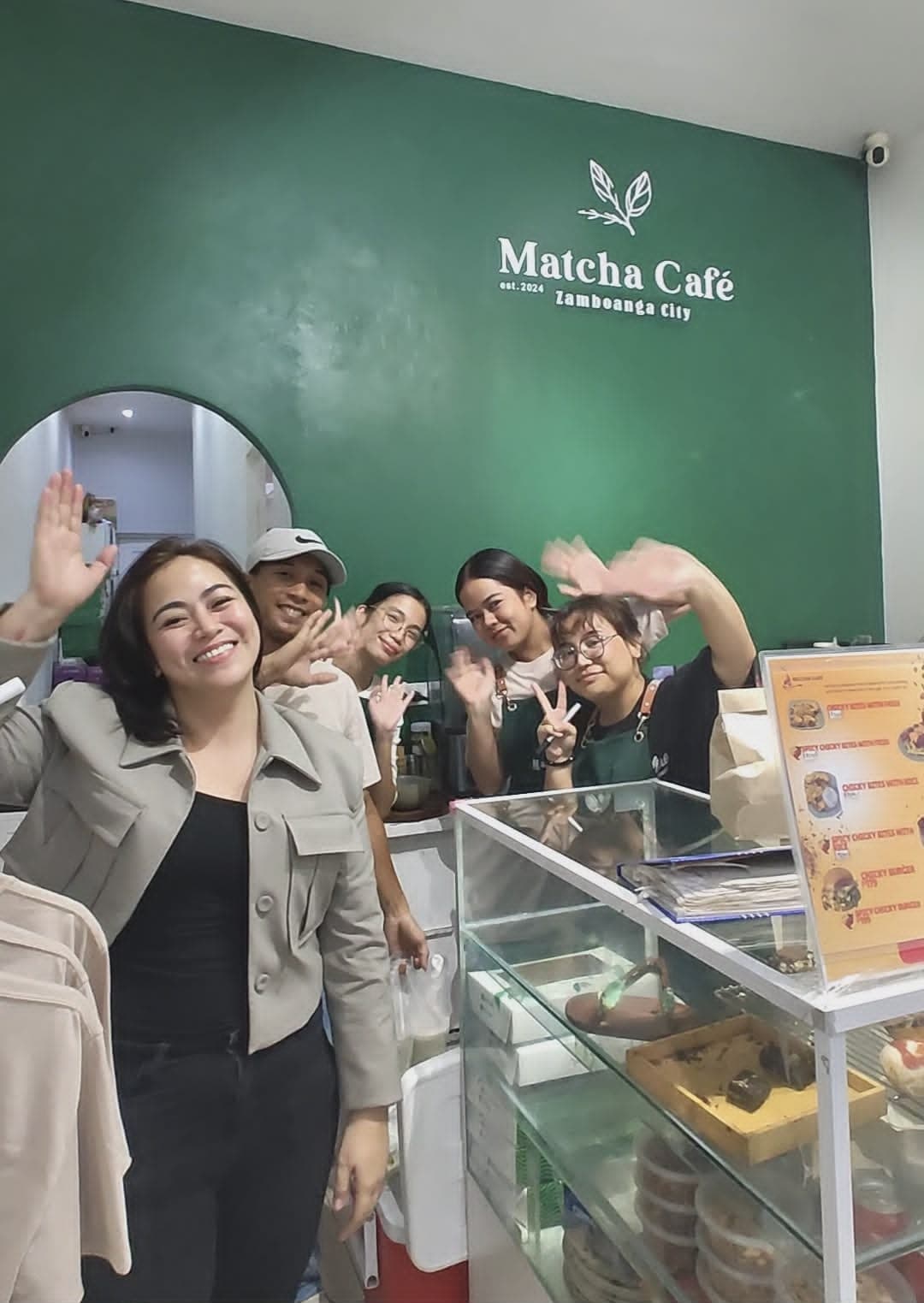
“We needed a POS that could run both our branches without paying monthly fees. Ultra POS works even when the internet goes down — and our team learned it in one session.”
Matcha Café
Zamboanga City, Philippines
Everything the floor needs.
Design your own floor
Drag-and-drop editor for tables, walls, and function rooms. Resize the grid, resize or duplicate individual pieces, and manage multiple floors with reorderable tabs — including a function room's own private interior layout.
A waitlist that doesn't lose guests
Add a party to the waitlist, notify or check them in, seat them straight from the entry — or take their order before they're even seated.
Reservations on the live floor
Book a table or function room ahead of time. Reservation badges show right on the floor view so staff always see what's coming up on a spot.
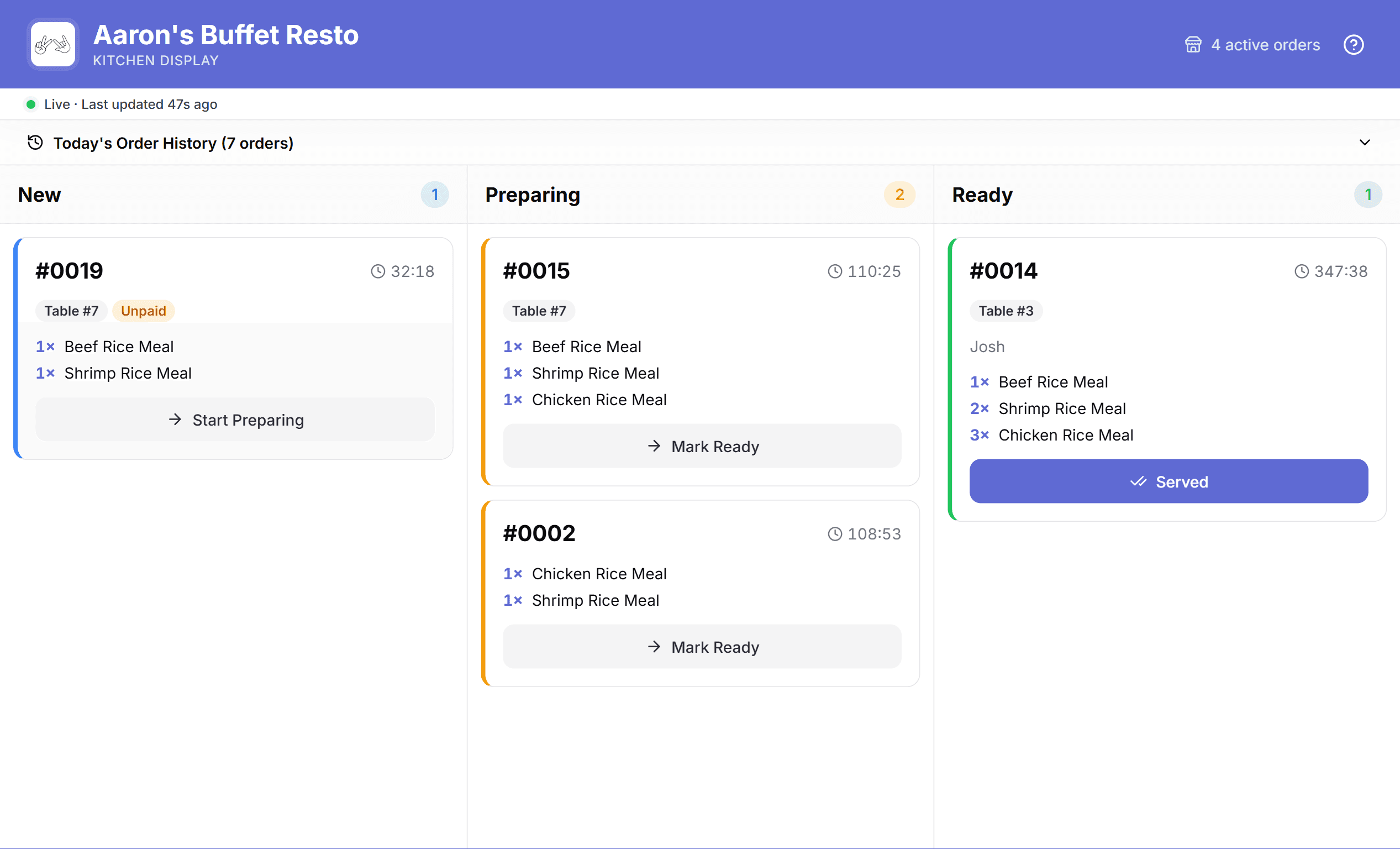
Kitchen display, not paper tickets
Every order sent moves through New → Preparing → Ready → Served on a kanban board the kitchen taps through — with a dedicated kitchen slip printer, separate from the front receipt printer, that auto-prints on send.
Variants with their own recipe
Size and flavor variants each carry their own price and their own ingredient recipe, overriding the shared one — so stock tracks accurately down to the variant. Combos are built as bundles, only sellable while every component is in stock.
Voids need a manager's code
Every void is gated behind a time-boxed 4-digit code a manager reads off their own device. Every attempt writes to an immutable audit log — user, reason, order number, total — fully searchable after the fact.
Changes every hour · manager-only
Kitchen Display System
The kitchen always
knows what's next.
Kanban, not a spike of paper
New, Preparing, Ready, Served — kitchen staff tap an order through as it moves, no more guessing what's next.
Its own printer
A dedicated kitchen slip printer, paired separately over Bluetooth from the front receipt printer — auto-prints the moment an order is sent.
Order history on hand
A history drawer keeps completed orders reachable without cluttering the live board.
Last synced at January 28, 2026, Wednesday, 09:44 am
Total Net Sales
₱105,000
Total Transactions
1,500
Total Items
5,145
Total Refunds
₱2,300
Total Discounts
₱2,000
Cost of Goods
₱6,000
Profit
₱93,000
Online Orders
560
Sales by Date
Payment Types
Why Ultra POS?
Owner Panel
Reports & Analytics
Get real-time sales, transaction, and performance insights to help you make smarter business decisions.
Multiple-Store Setup
Manage multiple branches under one system with centralized control and unified reporting.
Inventory Management
Track stock levels, movements, and low-stock alerts to avoid shortages and overstocking.
Product Mix
Analyze which products sell best and optimize your offerings for higher profit.
Audit Trail
Monitor all system activities with detailed logs for transparency, accountability, and security.
Security & Control
Manage every branch.
Stay in control offline.
Multi-Branch Management
Monitor all your locations from one dashboard — sales, inventory, and staff performance, centralized in real time.
Offline Mode
Keep transacting even when internet drops. Everything syncs automatically the moment you're back online.
Tamper-Proof Logs
Every void, refund, and discount logged permanently with the exact cashier name and timestamp. Nothing disappears.
Role-Based Access
Cashiers, managers, and owners each see only what they need. No shared passwords, no unauthorized overrides.
Branch-Level Controls
Set per-branch pricing limits, discount caps, and access permissions for complete control across every location.
Packages for every business
One-time payment. Own it outright. Pick the setup that fits your operation.
Software Only
Bring your own device
- Ultra POS Software License
- Works on your existing tablet or PC
- Real-time sales & inventory sync
- Cloud backup — data never lost
- 3 months post-launch support
Starter Bundle
Software + tablet setup
- Ultra POS Software License
- 10" Android POS Tablet
- Tablet stand & mounts
- Initial setup & configuration
- 3 months post-launch support
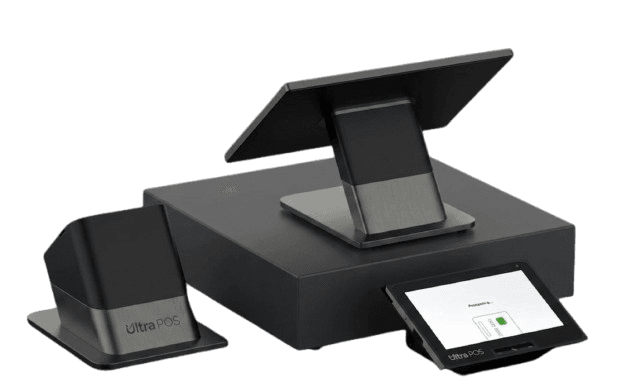
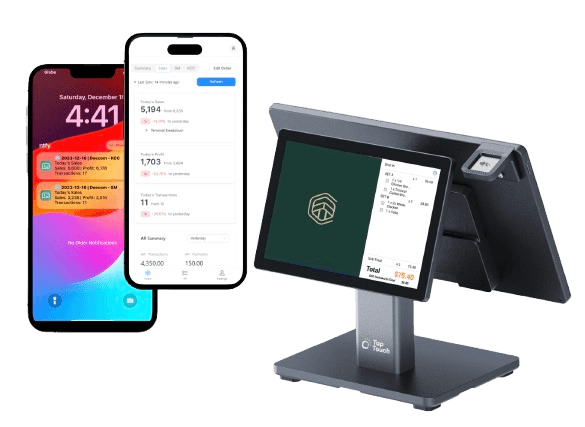
Full Station
Complete POS setup — most popular
- Ultra POS Software License
- Dual-screen Ultra POS Terminal
- Built-in thermal receipt printer
- Cash drawer
- 6 months post-launch support
Enterprise
Multi-branch + custom builds
- Everything in Full Station
- Unlimited branches & terminals
- Custom integrations (e-commerce, accounting)
- Priority support + response SLA
- Dedicated project manager
Restaurant POS vs. the rest.
* Generic POS refers to subscription-based off-the-shelf software not customized to your business.
“We needed a system that could handle our branches in Zamboanga, track our buy-1-take-1 promos, and give us actual reports we could act on. Dee Capital built exactly that — and we own it.”
Got questions?
We got answers.
Does Ultra POS support splitting a bill at the table?
Not today. A table's order runs as a single check from the moment it's seated to the moment it's paid. If split billing is critical to how you run service, flag it during scoping — we'll tell you upfront how it fits your build.
Can I set up private function rooms or banquet areas?
Yes. A function room can have its own nested interior floor plan, and you choose how it bills — a flat room rate, or a minimum-spend consumable model.
How does the kitchen actually see new orders?
On a dedicated Kitchen Display — a kanban board with New, Preparing, Ready, and Served columns that kitchen staff tap through. There's also a separate kitchen slip printer (its own Bluetooth pairing from the front receipt printer) that auto-prints the moment an order is sent.
Who's allowed to void a transaction?
Voids require a manager-generated 4-digit code, unique to the store, day, and hour. The cashier can't do it alone, and every void — approved or attempted — is written to an audit log with the user, reason, order number, and total.
Do you support buy-1-take-1 or combo promos?
Combo-style items work as bundles, which only go on sale while every component product is in stock. There's no automated promo-rules engine for things like buy-1-take-1 yet — bundles are the closest fit today.
Is takeout handled separately from dine-in?
It's not a separate system — takeout and counter/pickup orders live as a tab right alongside the live dine-in floor view, so front-of-house isn't juggling two apps.
Your floor deserves better than a notepad.
One-time build. No monthly fees. Owned by you, built for how your restaurant actually runs.
Comment “SYSTEM” on any of our posts or message us directly on WhatsApp.